

.pdf
Convert TXT to PDF
Open a text file or paste text, and save it as a neatly wrapped PDF.
- Free
- No upload
- No account
Your text never leaves your browser – no upload, no server.
0 lines · 0 characters · Drop a .txt file onto the field to open it
Page setup
How it works
- 1
Add text
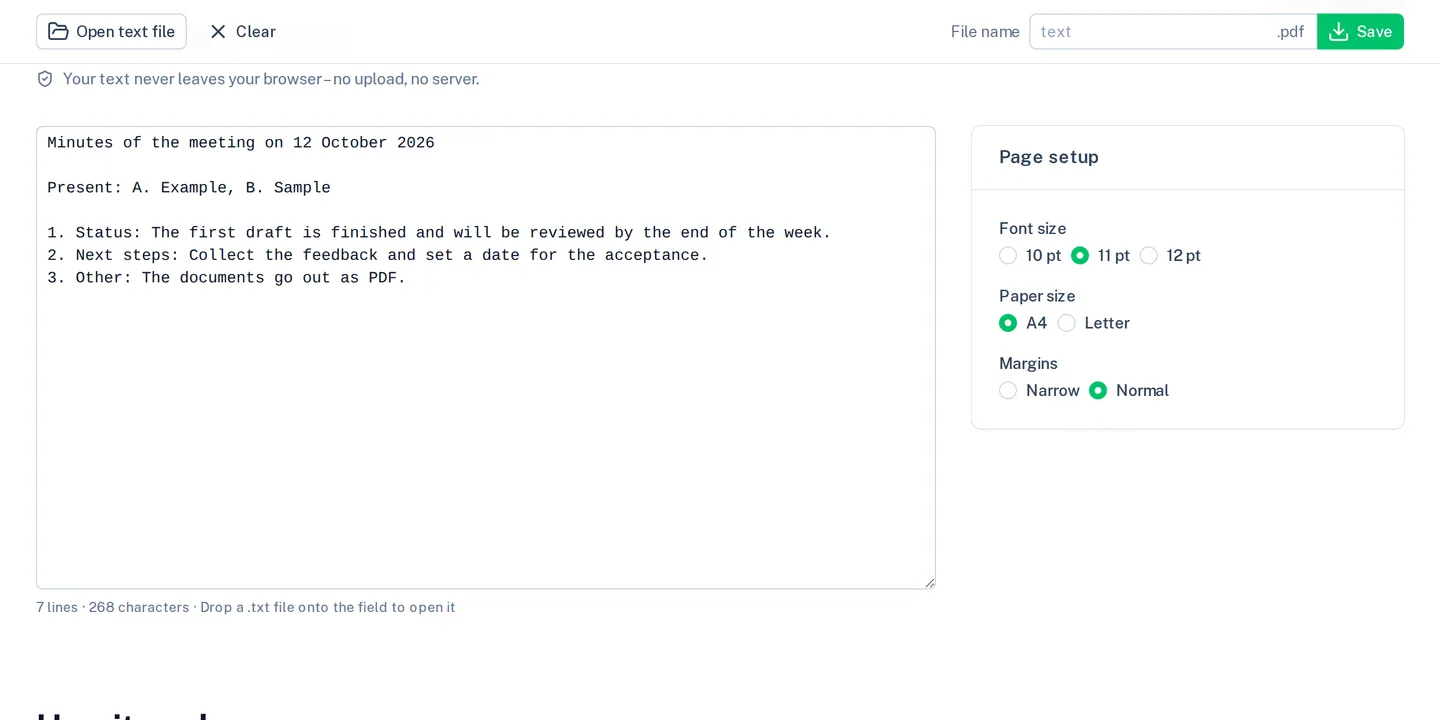
Open a .txt file or paste text straight into the field.
- 2
Set up the page
Choose font size, paper size and margins.
- 3
Save
Choose a file name and save the PDF.
What the tool does
File or pasted text
Open a .txt file, drop it onto the field or paste text straight in.
Clean wrapping
Long lines wrap, full pages continue on the next; blank lines stay.
Set up the page
Font size 10, 11 or 12 pt, A4 or US Letter, narrow or normal margins.
Limits
Characters the font lacks are named beforehand; in the PDF they appear as question marks.
Frequently asked questions
Line breaks and blank lines, yes. Plain text has no bold, italics or tables.
Accented letters and the common Latin characters. If one is missing, you see it before saving.
No, only plain text. From Word, the easiest way is to save straight as PDF.
No. The tool runs as JavaScript in your browser tab, and your files stay on your device. You can check this in the network tab of your browser's developer tools: no request carries your file.
Yes, in current browsers on iOS and Android, without an app. Large files need memory, so a computer handles them better.