

PDF scanner
Photograph documents and save them as PDF. The edges are found, the page is straightened and cleaned up like a scan.
- Free
- No upload
- No account
Your files never leave your browser – no upload, no server.
How it works
- 1
Take photos
Photograph the document with your phone, or select photos you already have.
- 2
Check
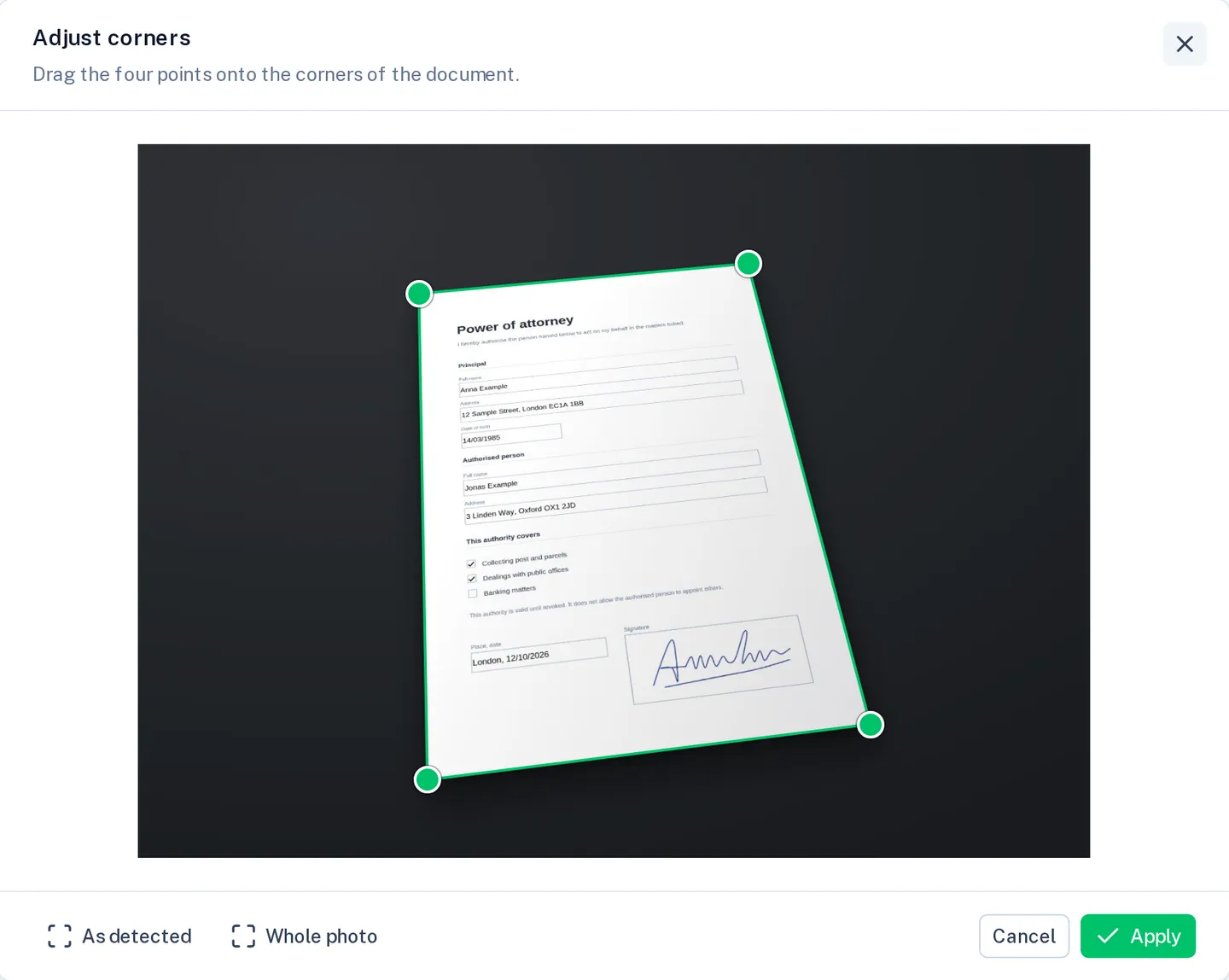
The corners are found automatically. Move them if needed, and choose the look and page size.
- 3
Save
Save all pages as one PDF.
What the tool does
Edges are found
The tool looks for the four edges of the sheet in the photo and straightens the page, even when it was photographed at an angle.
Like a scan
“Enhanced” evens out shadows and yellowish light. Also available: original, grayscale and black and white.
Small files
Black-and-white pages are stored with one bit per pixel and take a fraction of the space of a photo.
Several pages
Photograph page after page, sort and rotate them, and save everything as one PDF.
Limits
Curved pages, such as in an open book, are not flattened. If the sheet lies on a light surface or is partly covered, set the corners by hand.