

Create an invoice
Write a complete invoice and save it as a PDF – entirely in your browser.
- Free
- No upload
- No account
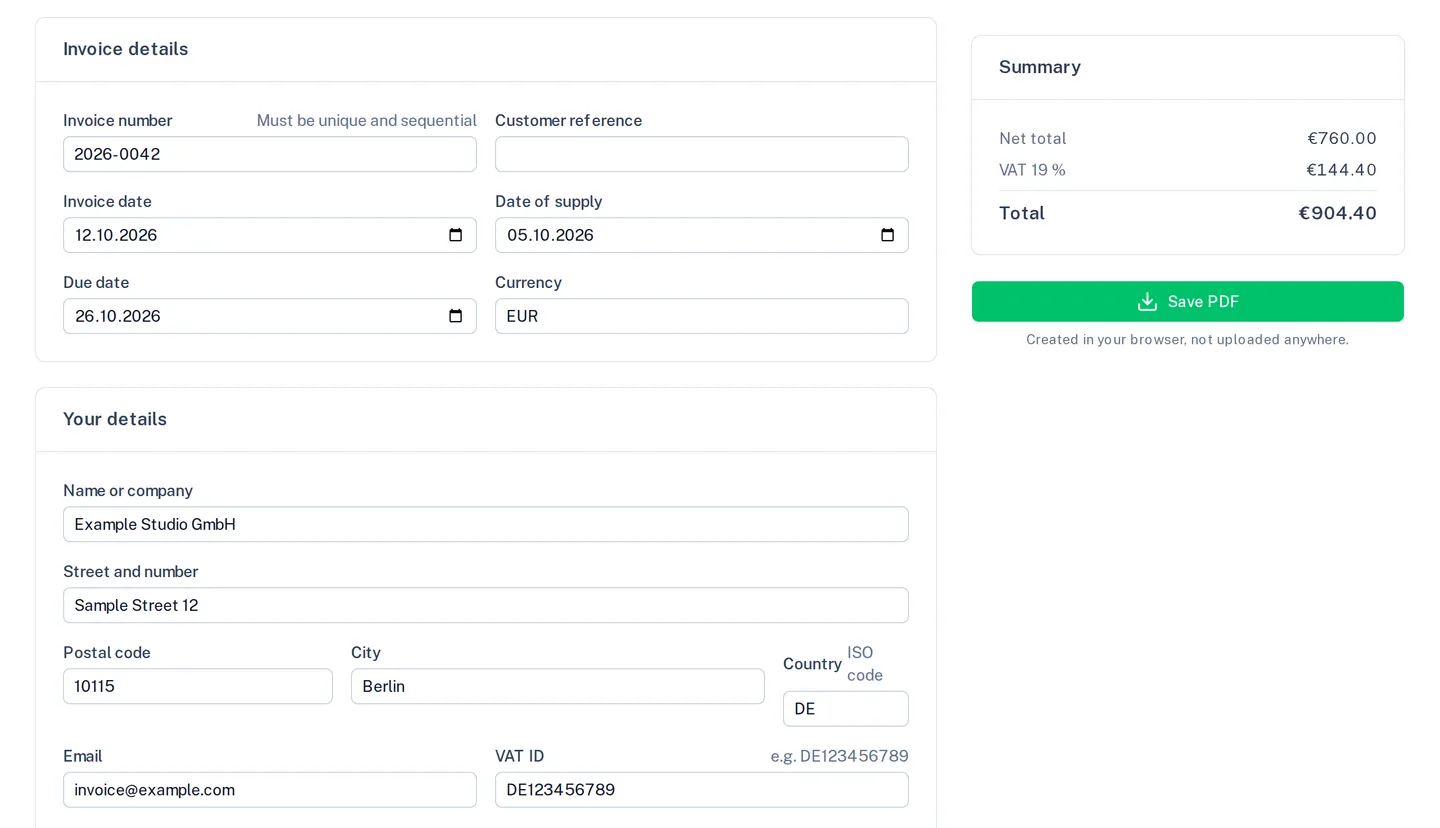
Invoice details
Your details
Recipient
Taxation
E-invoice
Adds machine-readable invoice data inside the PDF, following the EN 16931 profile.
Line items
Texts
Bank details
Summary
- Net total
- €0.00
- VAT 19 %
- €0.00
- Total
- €0.00
- Your name or company
- Your full address
- Your tax number or VAT ID
- Invoice date
- A description for every line item
Under § 14 UStG these details belong on an invoice. You can save it anyway.
Created in your browser, not uploaded anywhere.
How it works
- 1
Fill in the details
Your details, the recipient and the line items; the tool works out totals and tax.
- 2
Check the required details
Anything an invoice must state under German VAT law (§ 14 UStG) that is missing appears in the list on the right.
- 3
Save
Save the invoice as a PDF, with an embedded e-invoice if you like.
What the tool does
A complete invoice
Invoice number, date of supply, tax number or VAT ID, line items with quantity, unit price, tax rate and discount.
Required details in view
A list shows which details required by § 14 UStG are still missing.
Four tax treatments
Standard taxation, small business, reverse charge and intra-Community supply, each with the right note.
E-invoice included
Optionally, the invoice data is embedded in the PDF as ZUGFeRD/Factur-X following EN 16931.
Limits
Nothing is stored: no customer list, no archive, no running number.