

Sign PDF
Draw your signature and place it anywhere in a PDF, along with text and dates. Photos of paper forms work too.
- Free
- No upload
- No account
Drag your form here
PDF, PNG and JPG files are supported.
Your files never leave your browser – no upload, no server.
How it works
- 1
Select document
Drop a PDF or a photo of a form onto the field, or select it.
- 2
Fill out & sign
Place text fields, date fields and signature directly in the document.
- 3
Save or print
Save the signed PDF or print it right away.
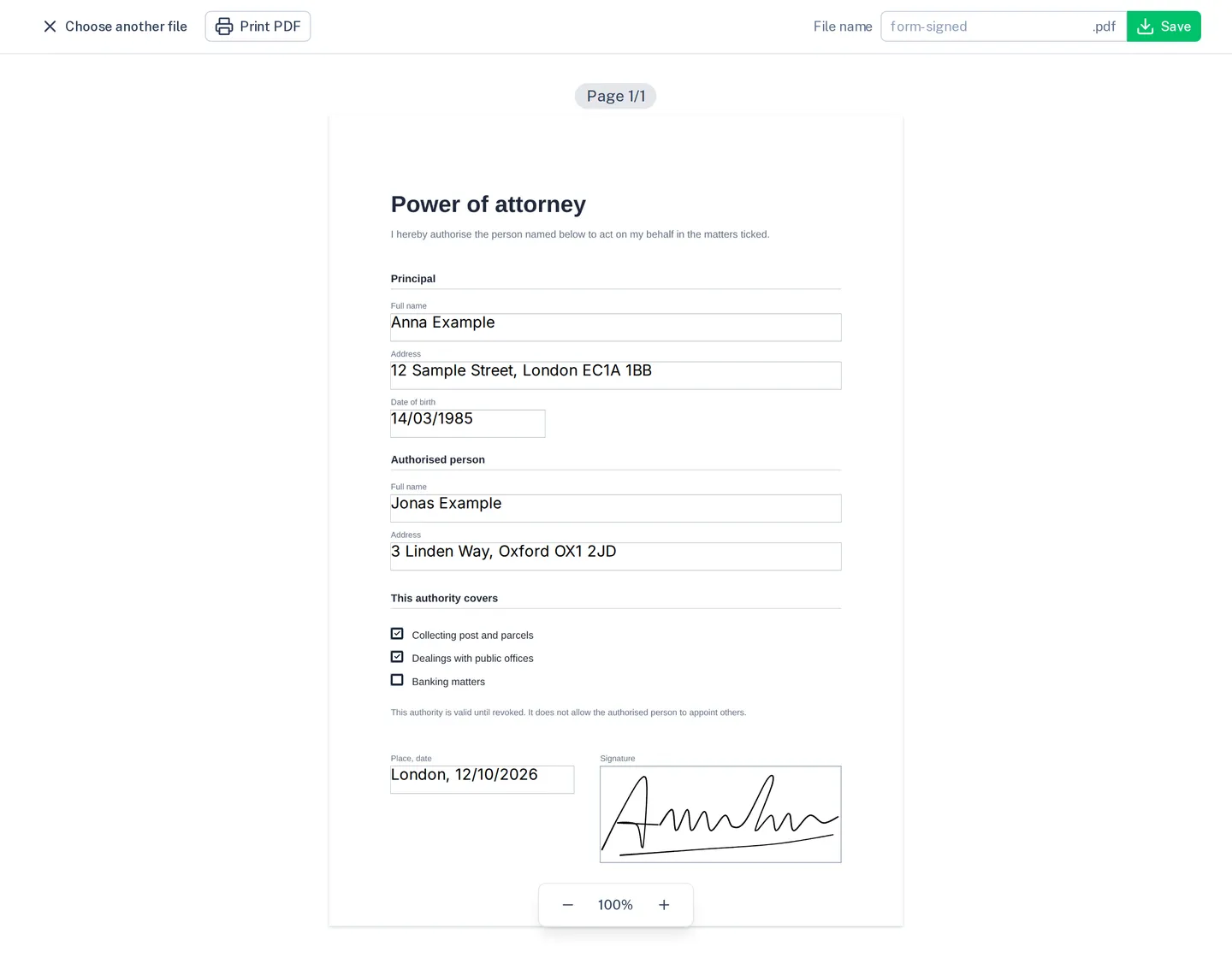
What the tool does
Draw your signature
With a mouse, touchpad, finger or pen; the stroke is smoothed.
Text, dates, ticks
A click on the page puts them anywhere; drag to move and resize them.
Photos of forms, too
PNG and JPG files become a page you sign like a PDF.
Save, print, share
Save the signed PDF, print it straight away or share it from your phone.
Limits
This is a simple electronic signature, not a qualified one. A small “digipape.com” sits at the bottom right of every page.
Frequently asked questions
A drawn signature in a PDF is a simple electronic signature. It is enough for many agreements without formal requirements. Where the law asks for a handwritten or qualified signature, it is not. When in doubt, ask whoever requests the document.
No. It exists only in this browser tab and in the PDF you save.
Yes. Click the spot on each page and add a signature there.
No. The tool runs as JavaScript in your browser tab, and your files stay on your device. You can check this in the network tab of your browser's developer tools: no request carries your file.
Yes, in current browsers on iOS and Android, without an app. Large files need memory, so a computer handles them better.